Skip to content

    • How to Upload Website Files Using FileZilla
      Uncategorized

      How to Upload Website Files Using FileZilla

      Byadmin August 22, 2026August 31, 2026

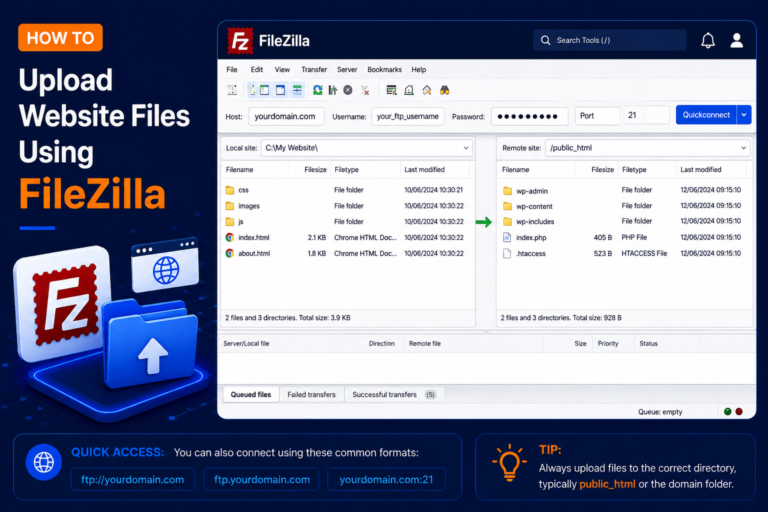
      FileZilla is a popular FTP client that allows you to upload and download website files between your computer and web hosting server. In this tutorial, you’ll learn How to upload website files using FileZilla step by step. What Do You Need? Before starting, make sure you have: You can usually find your FTP details in…
      Read More How to Upload Website Files Using FileZillaContinue

    • How to Create a MySQL Database in cPanel
      Uncategorized

      How to Create a MySQL Database in cPanel

      Byadmin August 21, 2026August 25, 2026

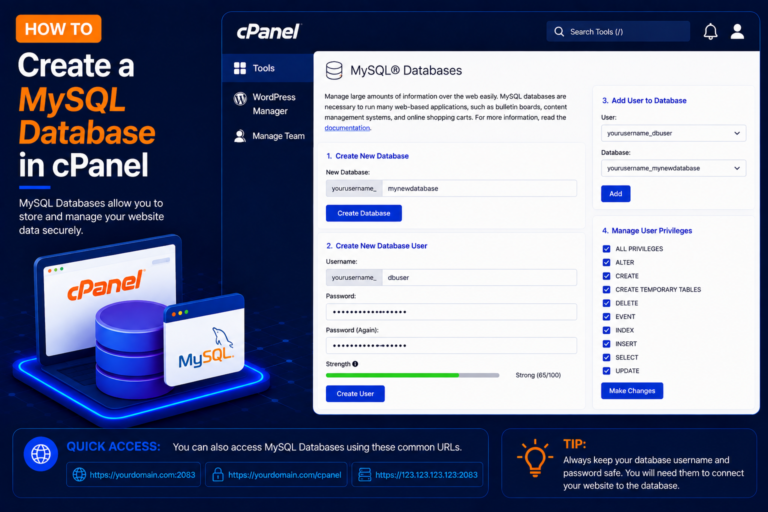
      A MySQL database is used to store and manage website data. Applications such as WordPress, Joomla, and many PHP-based websites use MySQL databases to store posts, users, settings, and other information. Step 1: Login to cPanel Step 2: Open MySQL Databases Step 3: Create a New Database Step 4: Confirm the Database Was Created How…

      Read More How to Create a MySQL Database in cPanelContinue

    • How to Import a MySQL Database Using phpMyAdmin

      How to Import a MySQL Database Using phpMyAdmin

      Byadmin August 21, 2026August 24, 2026

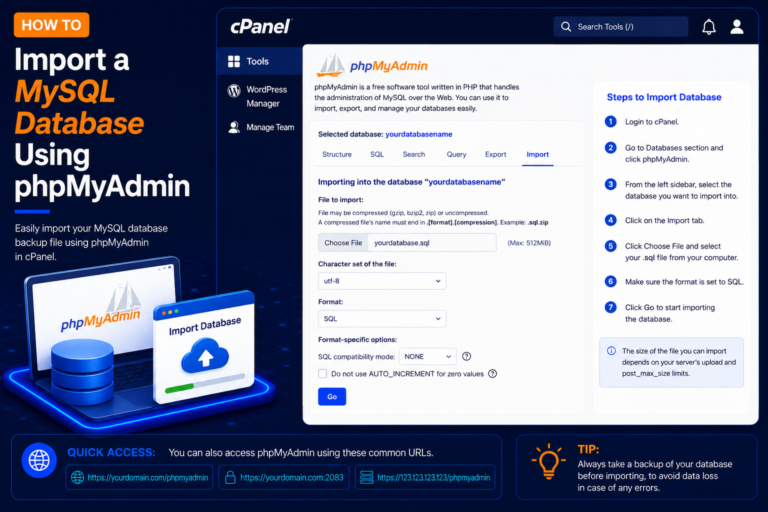
      phpMyAdmin is a web-based database management tool available with many cPanel hosting accounts. It allows you to create tables, manage database data, run SQL queries, and import or export MySQL databases directly from your browser. If you have a database backup such as a .sql file, you can use phpMyAdmin to restore it to an…

      Read More How to Import a MySQL Database Using phpMyAdminContinue

    • How to Change the PHP Version in cPanel
      Uncategorized

      How to Change the PHP Version in cPanel

      Byadmin August 20, 2026August 25, 2026

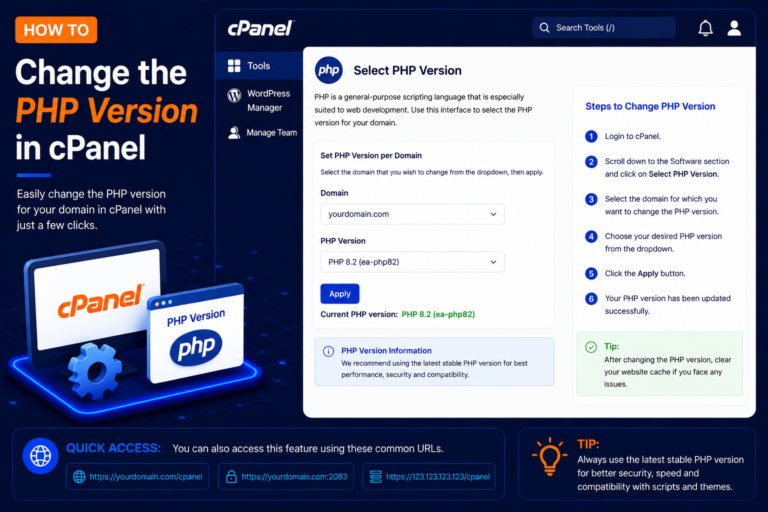
      PHP is a server-side programming language used by WordPress and many other web applications. Sometimes you may need to change the PHP version to meet your website’s requirements, improve compatibility, or use a currently supported PHP release. cPanel commonly provides tools such as MultiPHP Manager or, on some hosting platforms, Select PHP Version. Before You…

      Read More How to Change the PHP Version in cPanelContinue

    • How to Export a MySQL Database Using phpMyAdmin
      Uncategorized

      How to Export a MySQL Database Using phpMyAdmin

      Byadmin August 19, 2026August 25, 2026

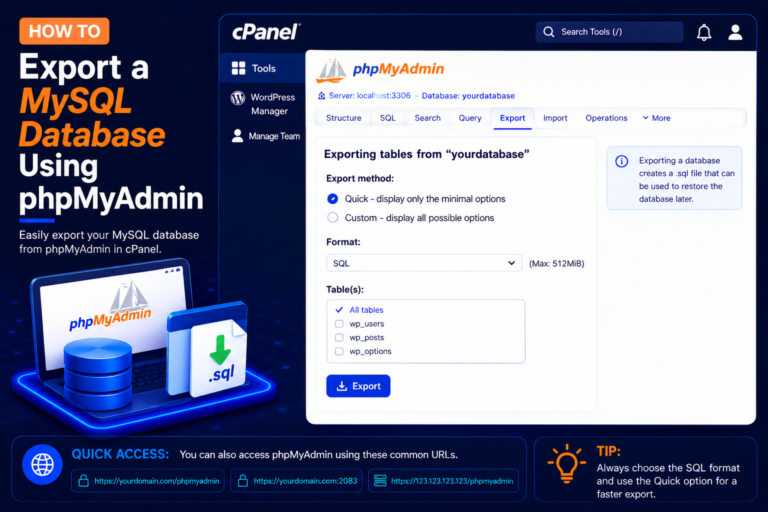
      Exporting your MySQL database is an important part of creating a website backup. Using phpMyAdmin in cPanel, you can download a copy of your database to your computer as an SQL file. Database backups are useful before website migrations, WordPress updates, plugin changes, or other major modifications. What Do You Need? Before starting, make sure…

      Read More How to Export a MySQL Database Using phpMyAdminContinue

    • How to Restore a Website Backup in cPanel Using Backuply
      Uncategorized

      How to Restore a Website Backup in cPanel Using Backuply

      Byadmin August 18, 2026August 28, 2026

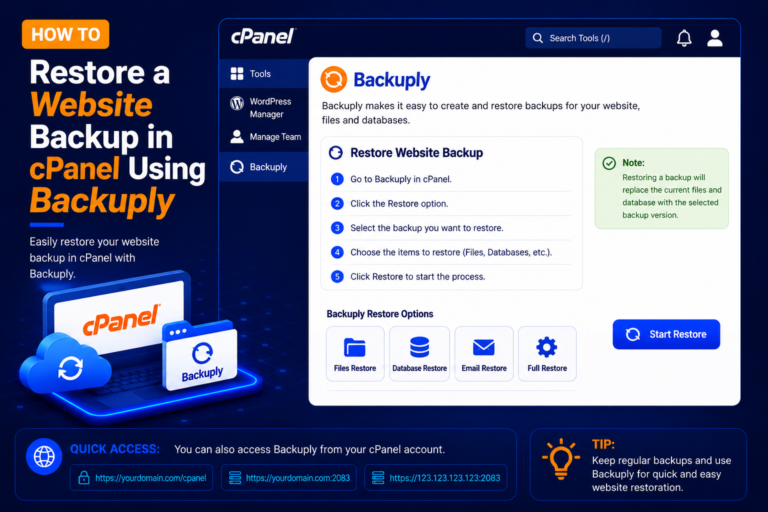
      Website backups are essential when you need to recover from accidental file deletion, website errors, failed updates, malware cleanup, or other problems. If your hosting provider has Backuply enabled in cPanel, you may be able to view available backups and restore website data directly from your cPanel account. Note: Backuply features and restore options can…

      Read More How to Restore a Website Backup in cPanel Using BackuplyContinue

    Page navigation

    Previous PagePrevious 1 2 3 Next PageNext

    © 2026 - WordPress Theme by Kadence WP

    Powered by
    ►
    Necessary cookies enable essential site features like secure log-ins and consent preference adjustments. They do not store personal data.
    None
    ►
    Functional cookies support features like content sharing on social media, collecting feedback, and enabling third-party tools.
    None
    ►
    Analytical cookies track visitor interactions, providing insights on metrics like visitor count, bounce rate, and traffic sources.
    None
    ►
    Advertisement cookies deliver personalized ads based on your previous visits and analyze the effectiveness of ad campaigns.
    None
    ►
    Unclassified cookies are cookies that we are in the process of classifying, together with the providers of individual cookies.
    None
    Powered by
    Search