Skip to content

    • How to install wordpress in cPanel
      Uncategorized

      How to install wordpress in cPanel

      Byadmin August 16, 2026August 28, 2026

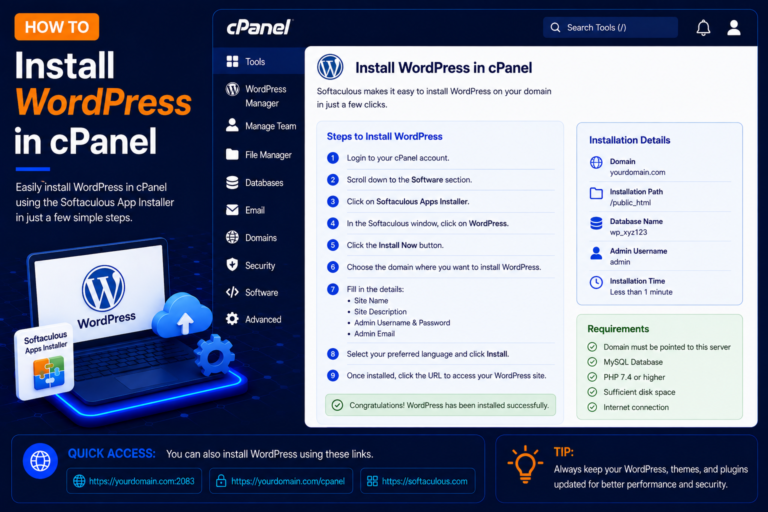
      Before Installing WordPress Before starting, make sure you have: Step 1: Login to cPanel Step 2: Find Softaculous Apps Installer Step 3: Click Install Now Step 4: Choose the WordPress Installation URL Step 5: Create Your WordPress Admin Account Step 6: Click Install Step 7: Login to WordPress Admin
      Read More How to install wordpress in cPanelContinue

    • How to Configure cPanel Email in Outlook.
      Uncategorized

      How to Configure cPanel Email in Outlook.

      Byadmin August 15, 2026August 28, 2026

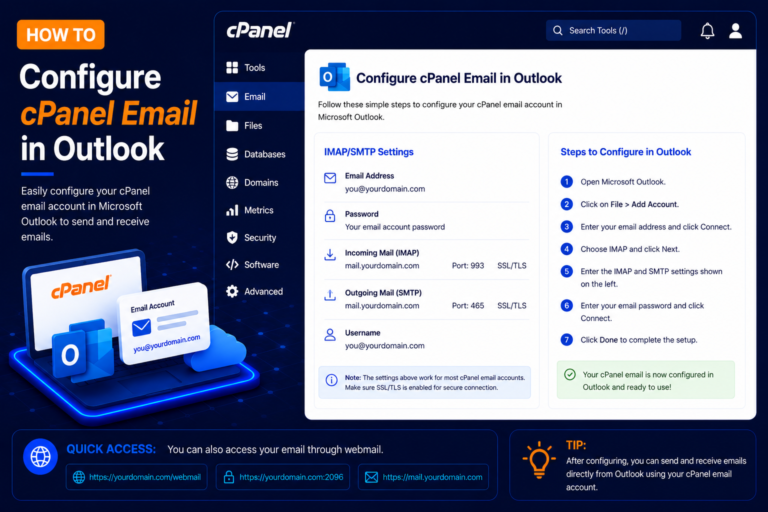
      What Do You Need? Before starting, make sure you have: For most users, IMAP is recommended because it keeps email synchronized between Outlook, Webmail, phones, and other devices. Step 1: Find Your Email Configuration Details in cPanel Step 2: Check the Mail Client Manual Settings Step 3: Open Microsoft Outlook Step 4: Enter Your cPanel…

      Read More How to Configure cPanel Email in Outlook.Continue

    • How to Log In to cPanel Webmail
      Uncategorized

      How to Log In to cPanel Webmail

      Byadmin July 24, 2026August 28, 2026

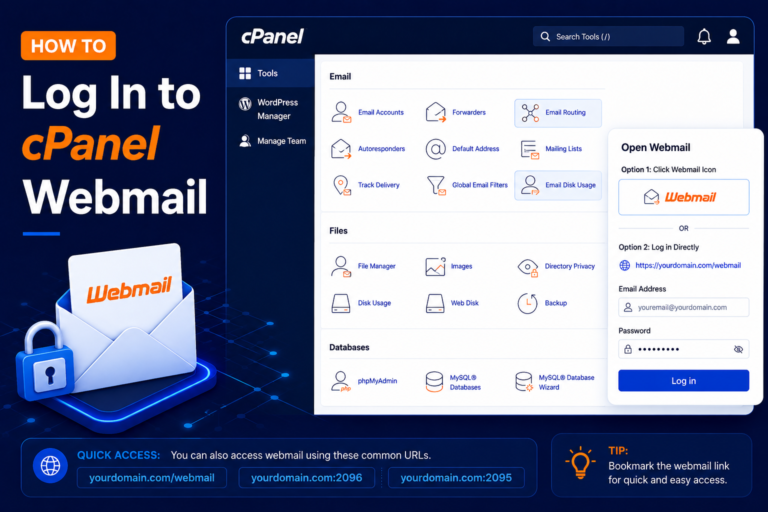
      cPanel Webmail allows you to send, receive, and manage emails directly from your web browser without installing an email application such as Outlook or Thunderbird. Step 1: Open the Webmail Login Page Step 2: Enter Your Email Address Step 3: Enter Your Email Password After clicking Check Email, cPanel will take you to the Webmail…

      Read More How to Log In to cPanel WebmailContinue

    • How to Edit DNS Records Using Zone Editor in cPanel
      Uncategorized

      How to Edit DNS Records Using Zone Editor in cPanel

      Byadmin July 2, 2026September 2, 2026

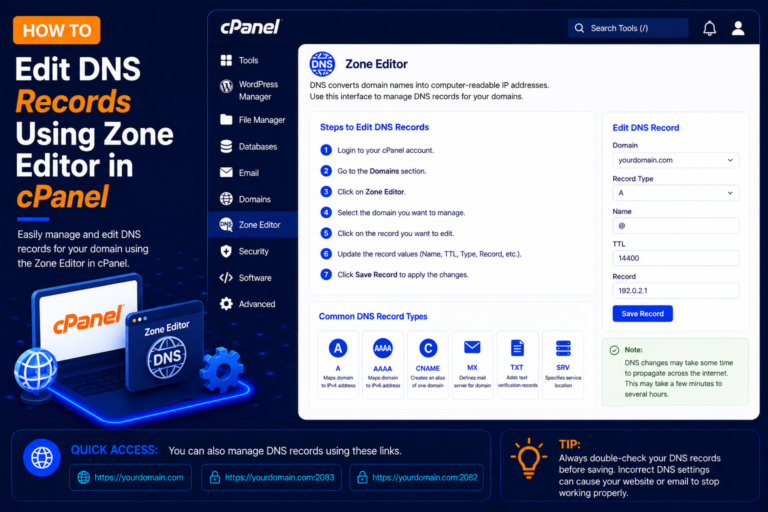
      What Is the cPanel Zone Editor? The exact options available may depend on your hosting provider and cPanel configuration. Step 1: Log In to cPanel Step 2: Open Zone Editor Step 3: Select Your Domain Click Manage next to the required domain. Step 4: View Existing DNS Records You can use the search or filter…

      Read More How to Edit DNS Records Using Zone Editor in cPanelContinue

    Page navigation

    Previous PagePrevious 1 2 3

    © 2026 - WordPress Theme by Kadence WP

    Powered by
    ►
    Necessary cookies enable essential site features like secure log-ins and consent preference adjustments. They do not store personal data.
    None
    ►
    Functional cookies support features like content sharing on social media, collecting feedback, and enabling third-party tools.
    None
    ►
    Analytical cookies track visitor interactions, providing insights on metrics like visitor count, bounce rate, and traffic sources.
    None
    ►
    Advertisement cookies deliver personalized ads based on your previous visits and analyze the effectiveness of ad campaigns.
    None
    ►
    Unclassified cookies are cookies that we are in the process of classifying, together with the providers of individual cookies.
    None
    Powered by
    Search