
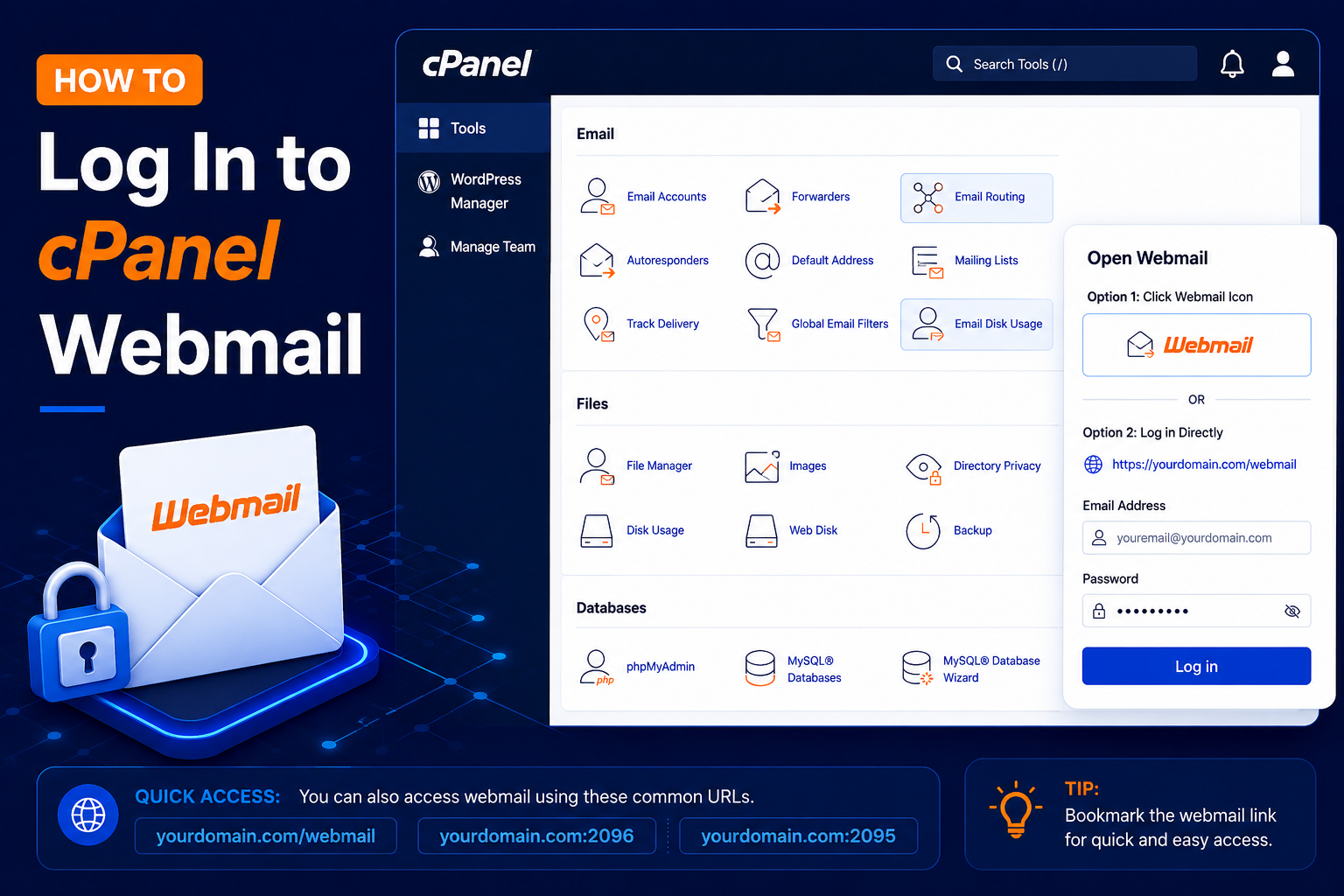
How to Log In to cPanel Webmail
cPanel Webmail allows you to send, receive, and manage emails directly from your web browser without installing an email application such as Outlook or Thunderbird.
For example, if you have created support@yourdomain.com, you can access the mailbox through cPanel Webmail. This is useful when you are away from your own computer, when you want to quickly check a new mailbox, or when you need to confirm that email is working before setting it up on a phone or desktop app.
In this guide, you’ll learn how to log in to cPanel Webmail step by step, plus how to open Webmail from inside cPanel and fix the most common login problems.
Before You Start
- An email account already created in cPanel (see How to Create an Email Account in cPanel)
- The full email address, for example support@yourdomain.com
- The password set for that email account
- Your domain pointing to the hosting server where the mailbox was created
Step 1: Open the Webmail Login Page
- Open your web browser and enter: https://yourdomain.com/webmail
- You can also use the secure Webmail port: https://yourdomain.com:2096
- Replace yourdomain.com with your actual domain name.
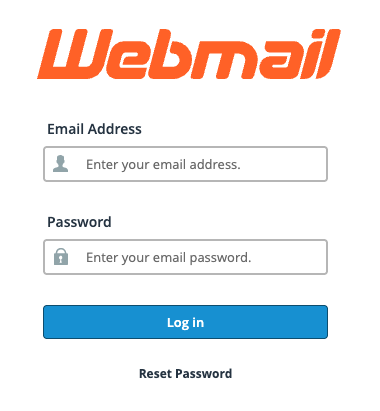
Step 2: Enter Your Email Address
- On the Webmail login page, enter your complete email address.
- Make sure you enter the full email address, including the domain name.
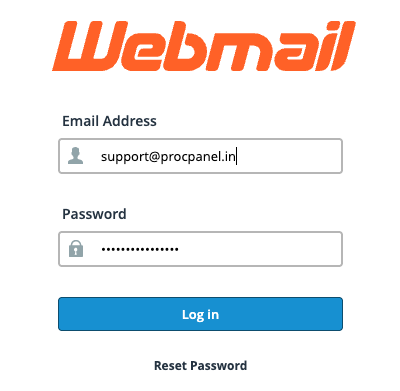
Step 3: Enter Your Email Password
- Enter the password that was created for your email account.
- This is your email account password, which may be different from your cPanel account password.
- Click Log in.
- If the credentials are correct, cPanel will open your Webmail account.
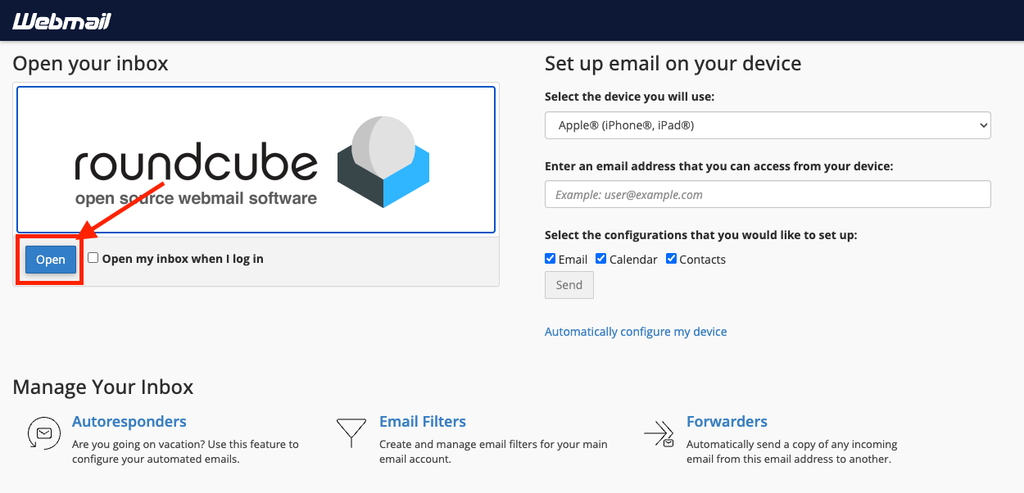
Alternative Method: Open Webmail from Inside cPanel
If you are already logged in to cPanel, you do not need the email password. Go to Email → Email Accounts and click Check Email next to the mailbox you want to open.
After clicking Check Email, cPanel will take you to the Webmail interface.
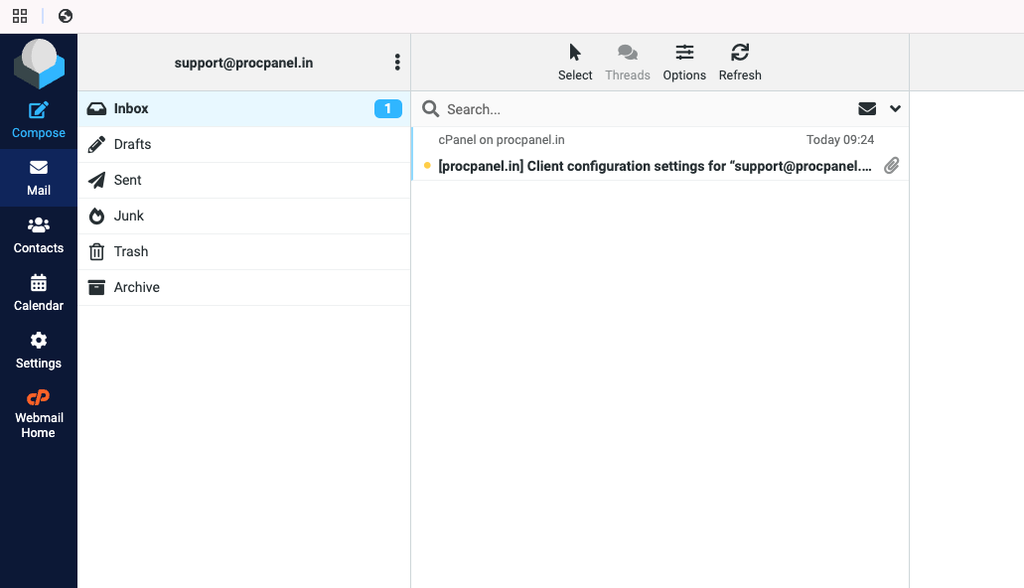
Open Roundcube if required.
- You can now access the mailbox without manually entering the email account password when accessing it through an authenticated cPanel session.
Roundcube is the standard webmail application in current cPanel versions. On some older servers you may also see other webmail clients; menu names and options can vary slightly by host and theme.
What You Can Do in Webmail
- Read, reply to, forward and delete emails
- Create folders and drag messages into them
- Add a signature under Settings → Identities in Roundcube
- Manage contacts in the address book
- Set up filters and, in many setups, check your mailbox quota and change the email password
Common Problems and How to Fix Them
“Login failed” or “The login is invalid”
Make sure you typed the full email address, not just the part before @, and the email account password rather than the cPanel password. If you have forgotten it, reset the password from cPanel → Email Accounts → Manage.
The Webmail page does not load
If yourdomain.com/webmail does not open, your domain may not point to the server yet, or your network may block port 2096. Try the other URL, a different network, or ask your host for the server hostname to use instead.
Browser shows a security warning
This happens when the domain does not yet have a valid SSL certificate. Check SSL/TLS Status in cPanel and run AutoSSL if it is available, or install a certificate as shown in How to Install an SSL Certificate in cPanel.
New emails are not arriving
Check whether the mailbox quota is full, and confirm that your domain’s MX record points to this server in the Zone Editor. Emails sent to a full mailbox are usually bounced back to the sender.
Tips and Best Practices
- Bookmark your Webmail URL for quick access.
- Always log out when using a shared or public computer.
- Use a strong, unique password for each mailbox.
- Delete large attachments and empty the Trash regularly to stay within your quota.
- Use Webmail for quick access and an email client such as Outlook for daily work if you prefer.
Frequently Asked Questions
Is Webmail the same as my cPanel login?
No. cPanel manages the whole hosting account, while Webmail opens a single mailbox using that mailbox’s own email address and password.
Can I use Webmail on my phone?
Yes. Roundcube works in mobile browsers, although for regular use on a phone a mail app configured with IMAP is more convenient.
Will emails I read in Webmail still appear in Outlook?
If Outlook is set up with IMAP, yes – both use the same mailbox on the server, so changes stay in sync. With POP3, messages may be downloaded and removed from the server depending on your settings.
Conclusion
Logging in to cPanel Webmail only takes a minute: open yourdomain.com/webmail, enter your full email address and email password, and you are in. If you manage the hosting account, you can also open any mailbox directly from cPanel using Check Email. Bookmark the page, use strong passwords and keep an eye on your quota for trouble-free email.