How to Upload Website Files Using FileZilla
Step-by-step guide to uploading website files to your cPanel hosting with FileZilla, including secure FTP settings, folder paths and common error fixes.

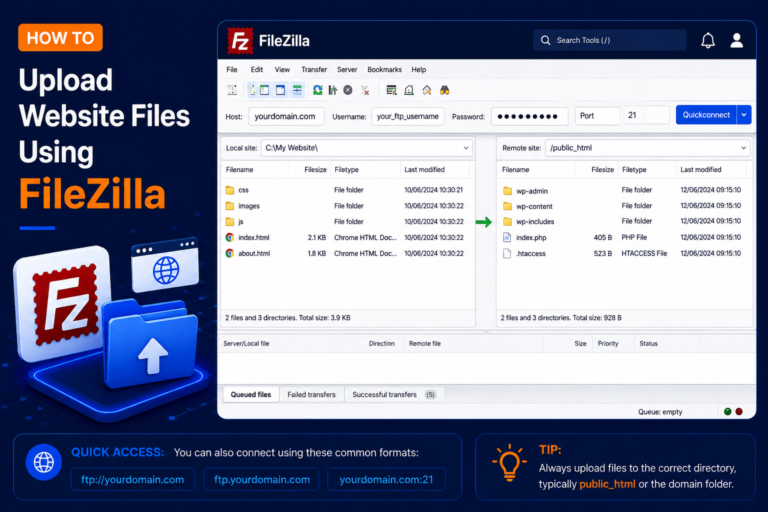
Step-by-step guide to uploading website files to your cPanel hosting with FileZilla, including secure FTP settings, folder paths and common error fixes.
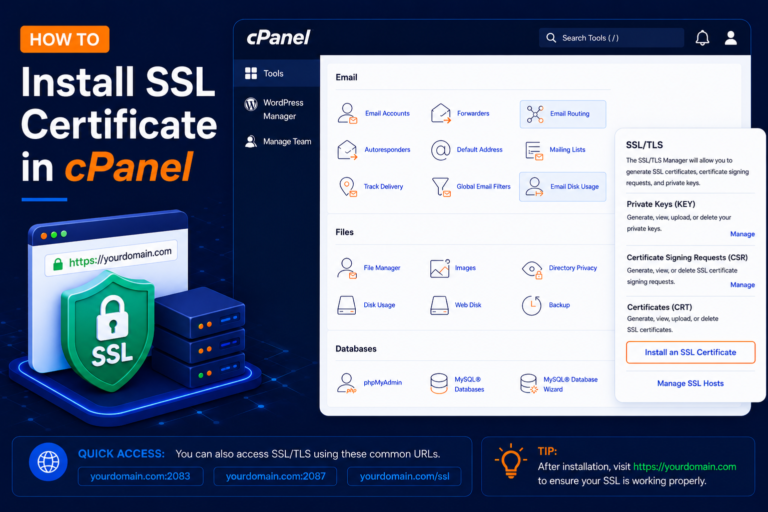
Step-by-step guide to installing a free SSL certificate in cPanel, checking that HTTPS works, and fixing validation, www and mixed content issues.
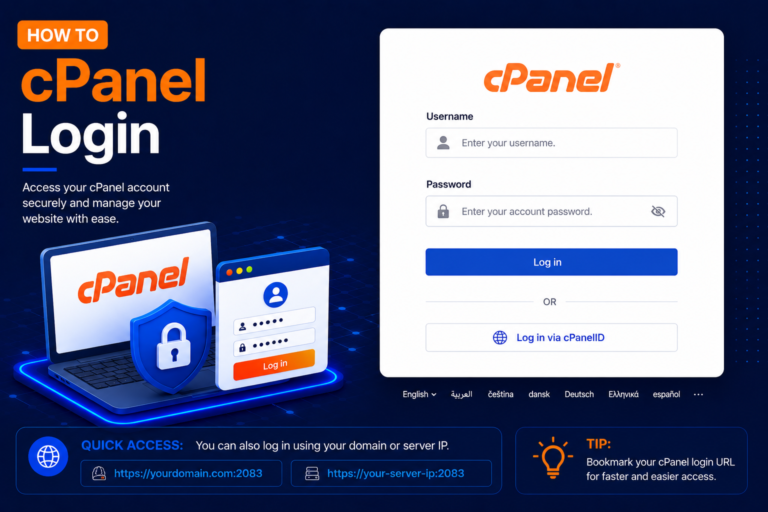
Learn how to log in to cPanel using your domain, port 2083, the server IP or your client area, plus fixes for blocked ports, lockouts and login errors.
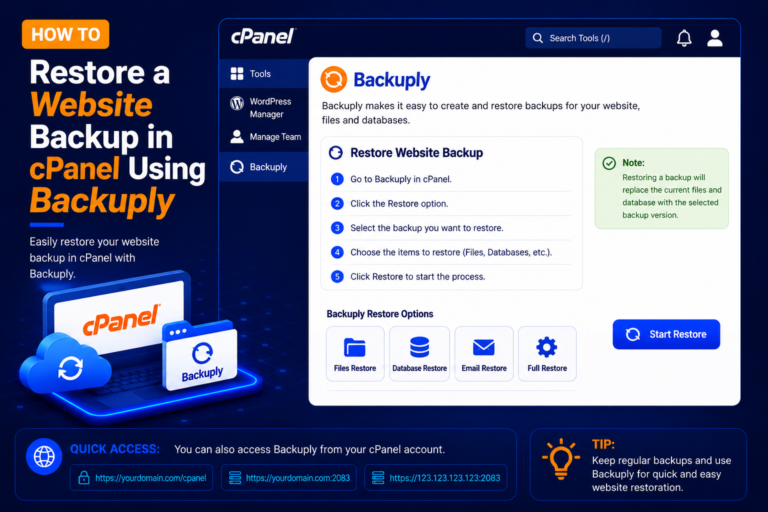
Learn how to restore website files, databases and full account backups in cPanel with Backuply, check restore logs and fix common restore problems.
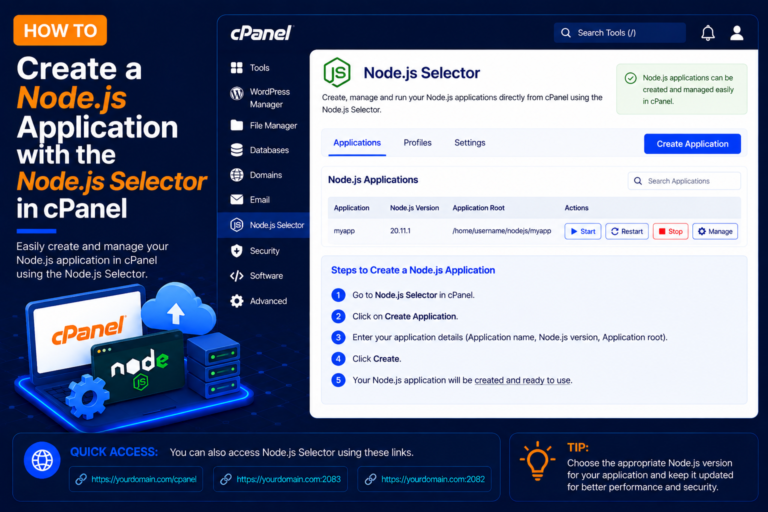
Learn how to create and run a Node.js application in cPanel using the Node.js Selector (Setup Node.js App), add package.json, run npm install and fix errors.
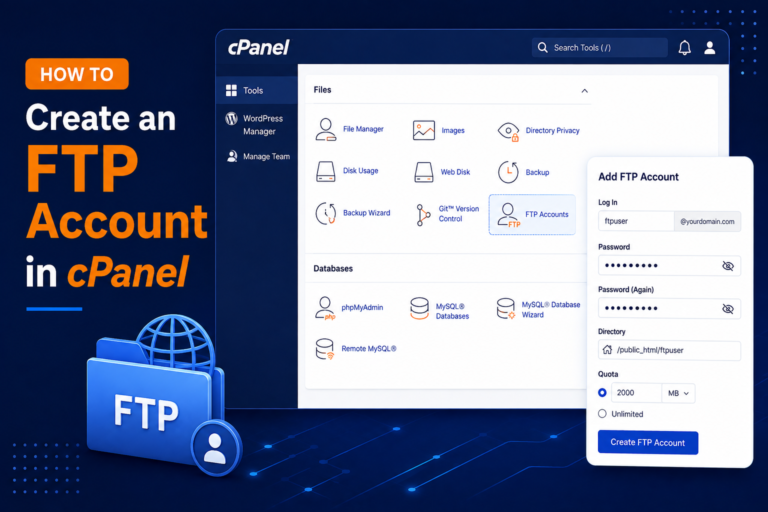
Learn how to create an FTP account in cPanel, set its directory and quota, connect with FileZilla, and fix common FTP login and connection errors.